How to Download English Proficiency Course Videos?

English proficiency courses have become an essential learning resource for students, professionals, and language enthusiasts worldwide. Whether you are preparing for exams like IELTS, TOEFL, or Cambridge English, or simply improving your speaking and listening skills, online English courses provide structured lessons taught by experienced instructors.
However, relying solely on online streaming isn’t always convenient. Limited internet access, unstable connections, and the need for repeated review often push learners to look for ways to download English proficiency course videos for offline study. Downloading videos allows you to learn anytime, anywhere, and revisit key lessons such as pronunciation drills, grammar explanations, or listening practices at your own pace.
In this article, we’ll explore where you can download English proficiency course videos, explain different download methods, and introduce an advanced bulk solution for efficient learning.
1. Where Can I Download English Proficiency Course Videos?
The availability of downloadable English proficiency course videos largely depends on the platform hosting the content. Most courses fall into one of the following categories:
1.1 Online Learning Platforms with Official Downloads
Many well-known platforms offer built-in download options through their mobile or desktop apps, including:
- Udemy
- Coursera
- edX
- LinkedIn Learning
- British Council learning apps
These platforms allow enrolled users to download videos for offline viewing within the app environment.
1.2 Language Schools and Private Course Websites
Some English training academies, exam-prep providers, and private tutors provide:
- Direct MP4 downloads
- Cloud storage links
- Downloadable lesson packs
These are often included as part of the course materials.
1.3 Streaming-Only Platforms
Certain platforms only allow streaming and do not provide official downloads. In these cases, learners may rely on screen recording or advanced download tools only when permitted for personal study.
2. Download English Proficiency Course Video Using Official App Features
The safest and most recommended way to download English proficiency course videos is by using official app features.
How It Works:
- Install the official app of the learning platform, e.g. Udemy.
- Log in with your enrolled account and open your English proficiency course.
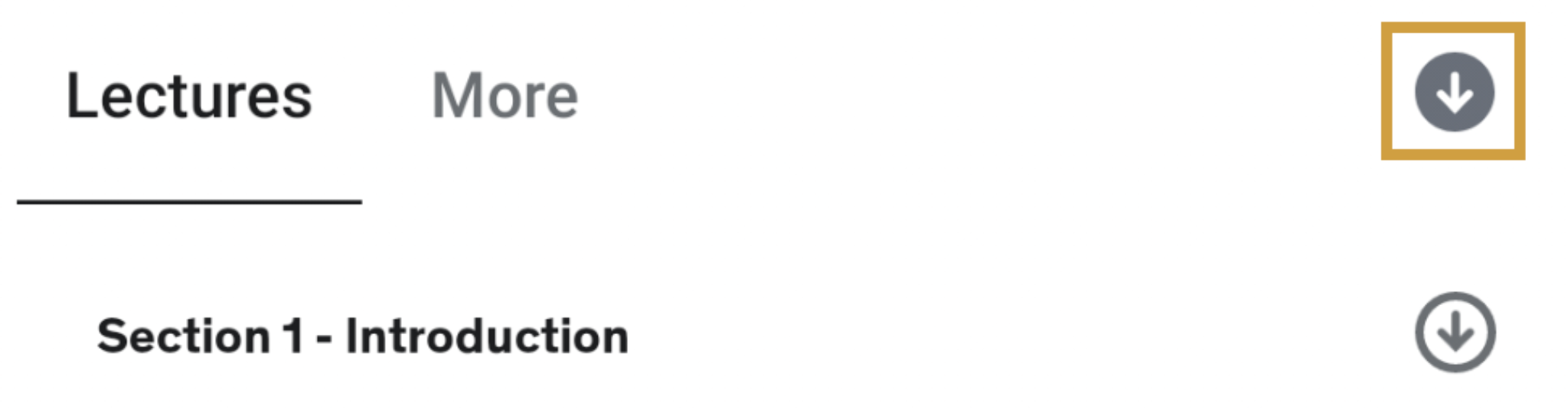
- Tap the Download button next to each lesson, then watch the videos offline inside the app.
Pros:
- High video and audio quality
- No technical setup required
Cons:
- Videos are encrypted and cannot be exported
- Offline access may expire with subscription limits
3. Download English Proficiency Course Video with Screen Recorders
If a platform does not offer direct downloads but allows personal use of purchased content, screen recording can be a practical alternative.
How to Do It:
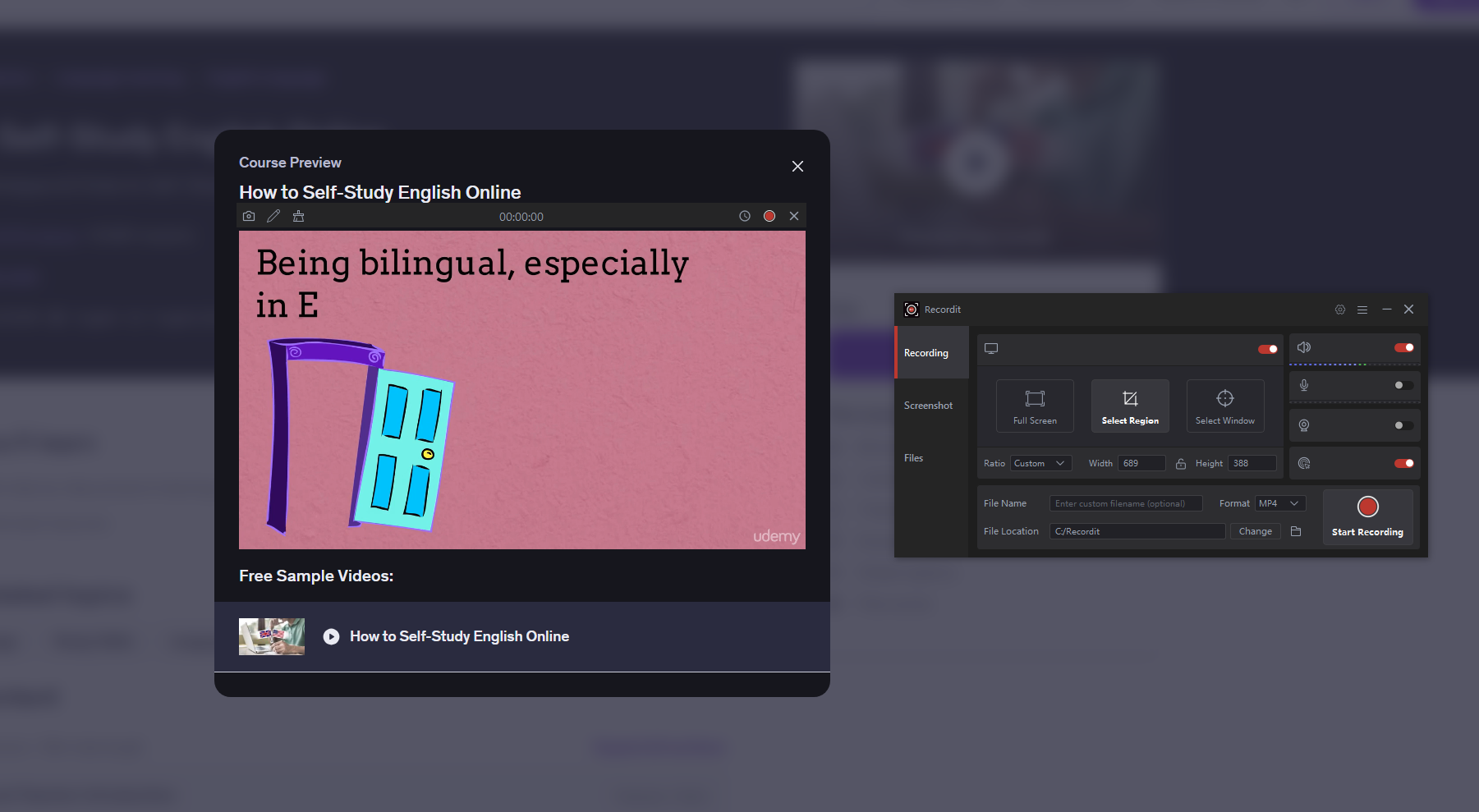
- Install and launch a screen recording tool, like Swyshare Recordit
- Open the English proficiency lesson and record the video with system audio enabled.
- Save the recording as an MP4 file.
Pros:
- Works on most platforms
- Useful for short lessons or specific sections
Cons:
- Time-consuming for long courses
- Video quality depends on recording settings
- Not ideal for bulk downloads
4. Advanced Bulk Download English Proficiency Course Video with Meget
For learners who need to download multiple English proficiency course videos efficiently, Meget is a powerful solution. Meget is a professional video downloader designed to handle bulk downloads, making it ideal for long English courses with dozens or even hundreds of lessons.
Why Choose Meget for English Course Videos?
- Work with 10,000+ video hosting platforms
- Support bulk downloading of multiple videos at once
- Maintain high video and audio quality
- Download files in popular MP4/MP3 and more formats
- Save time compared to manual downloading or screen recording
How to Bulk Download English Proficiency Course Videos with Meget
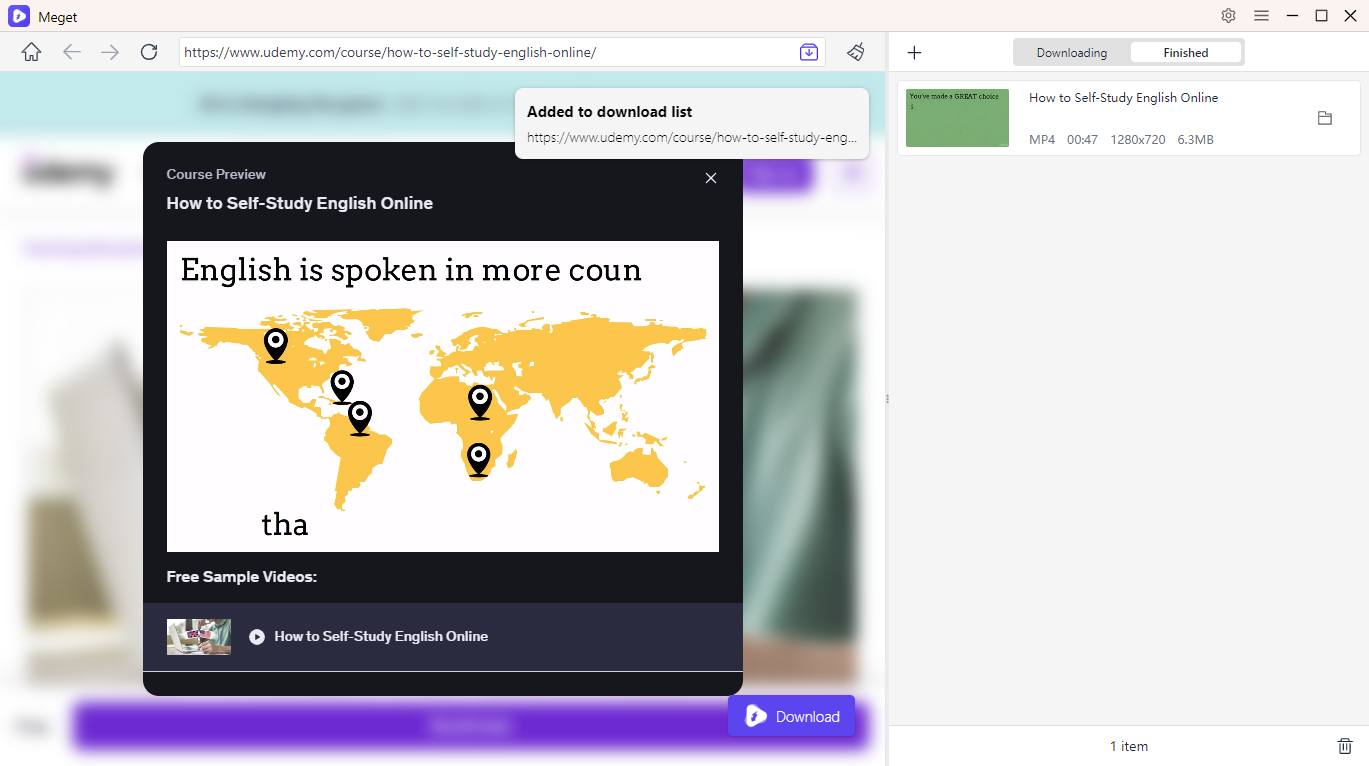
- Download and install Meget on your computer, launch the software and adjust preferences such as format, resolution, and download location.
- Log in to the course platform (if required) within Meget, open and play the English proficiency course lessons you are authorized to access.
- Click Download to add them to Meget’s queue, then let Meget process and download all videos automatically.
5. Conclusion
Downloading English proficiency course videos can significantly improve your learning experience, especially when studying offline or preparing for important exams. While official app downloads are the easiest option, they come with limitations. Screen recorders work for short sessions but aren’t efficient for large courses.
For learners who want a fast, reliable, and bulk-friendly solution, Meget stands out as the best choice. Its ability to download multiple authorized course videos at once, preserve high quality, and organize content automatically makes it ideal for dedicated English learners.
If you’re serious about mastering English and want full control over your study materials, Meget is the smart and efficient tool to support your learning journey.