How to Download from LookMovie?

LookMovie is a popular online streaming platform that allows users to watch the latest movies and TV shows for free. It offers a wide range of content, from Hollywood blockbusters to indie films and popular series. While streaming online is convenient, many users prefer to download content for offline viewing, archiving, or personal use.
Since LookMovie doesn’t provide an official download option, users need alternative methods to save content. This guide will explore each method in detail, helping you choose the best solution for your needs.
1. Dowmload LookMovie with Screen Recorders
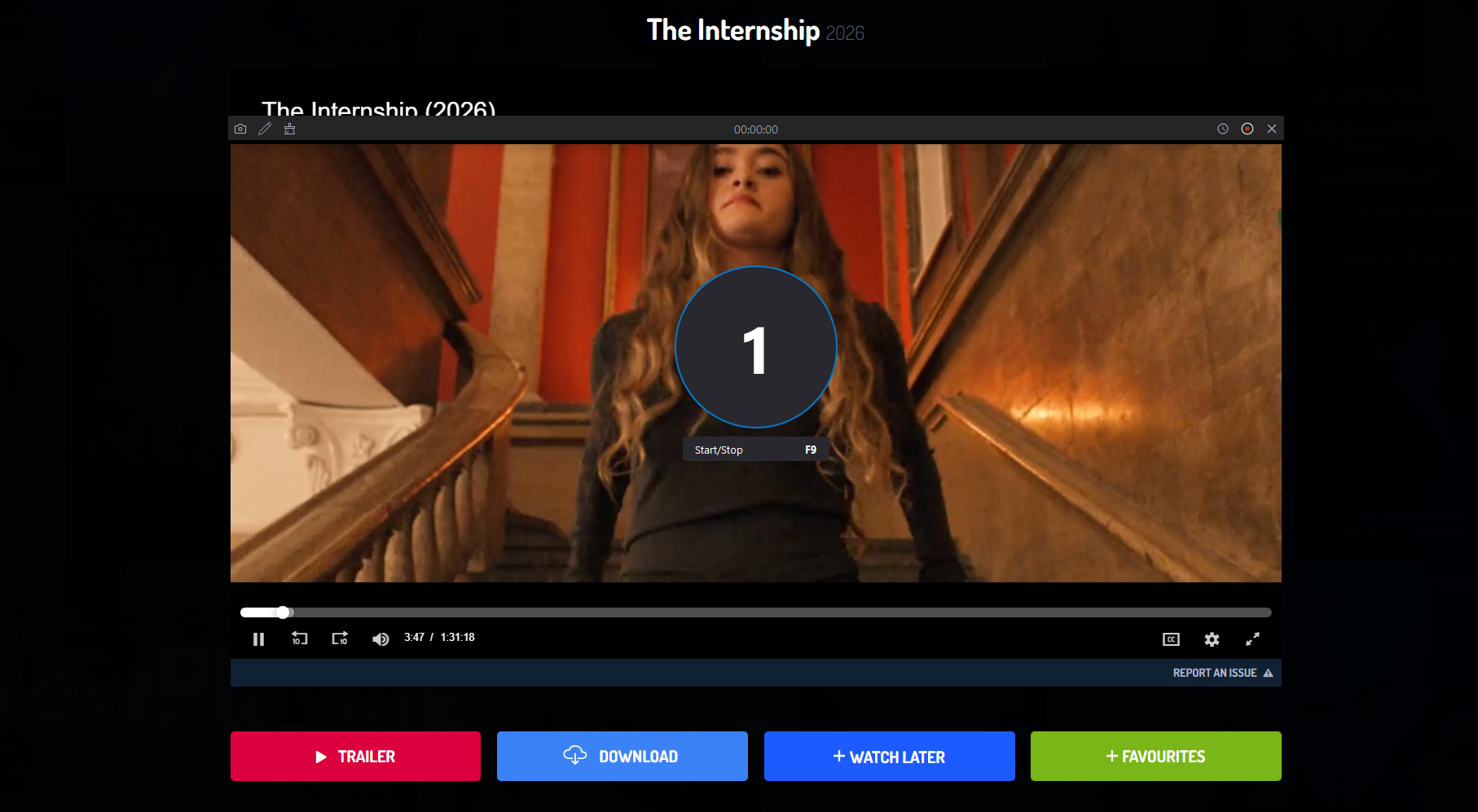
One of the most straightforward ways to save LookMovie videos is by using screen recording software. Screen recorders capture exactly what is displayed on your screen and save it as a video file. Recordit is a compact yet intuitive screen recording tool designed for seamless use on both Windows and macOS.
Steps to Record LookMovie with Recordit:
- Visit the official Recordit website and download the software, then follow the on-screen instructions to install it on your system.
- Navigate to the movie or episode you want to record, next open Recordit, select the area of your screen to capture (full screen or just the video player), and adjust the output parameters.
- Click the “Start Recording” button, play your movie, and let the recorder capture the content.
- After the movie finishes, stop the recording and find the recorded movie under the “Files” tab.
Pros: Works with any streaming content, no need for technical knowledge.
Cons: Time-consuming for long videos, large file sizes.
2. Download LookMovie with Online Downloaders
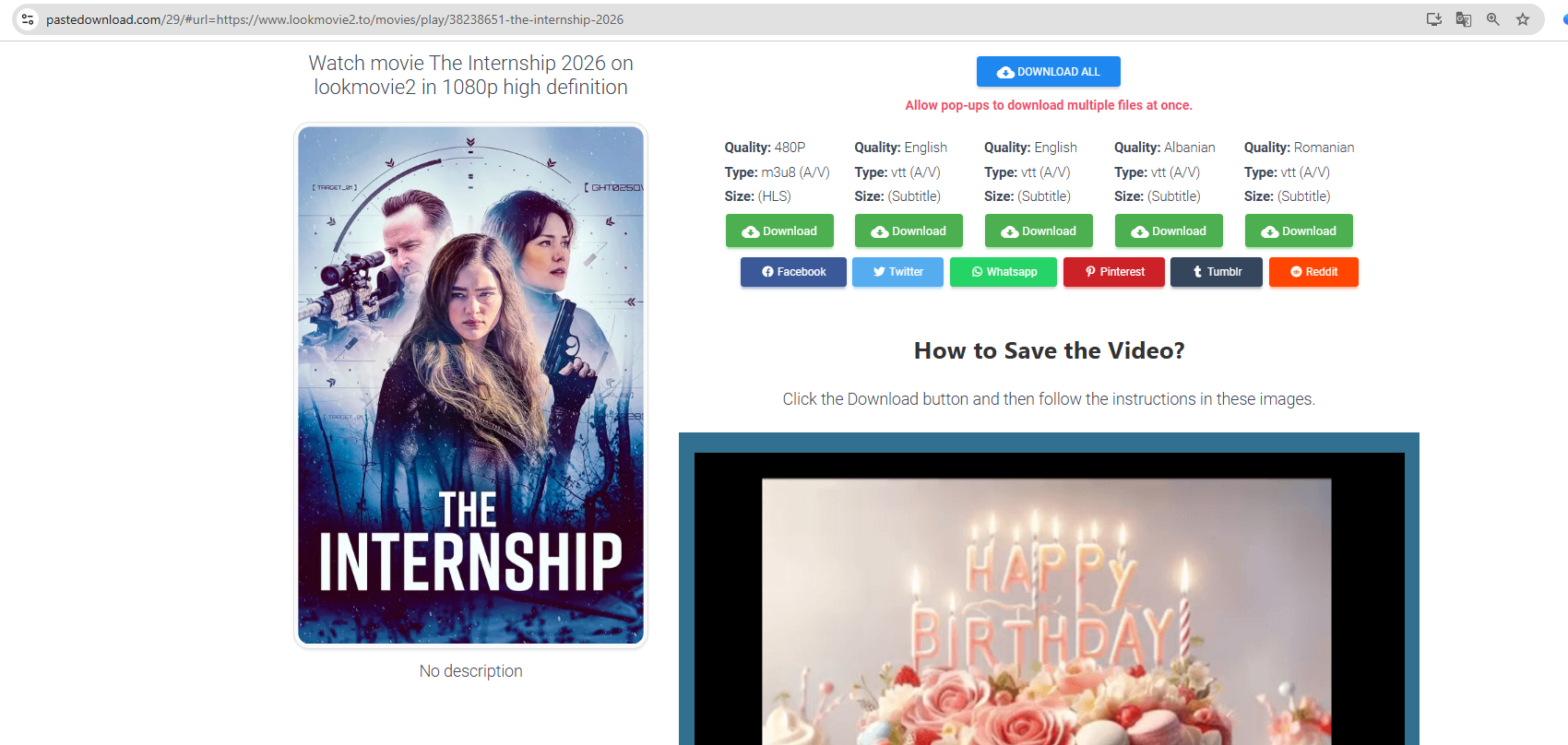
If you want to avoid installing software, online downloaders are a convenient option. They allow you to paste the URL of the LookMovie video and download it directly through your browser. PasteDownload is a reliable example that supports multiple video formats and quality levels.
Steps to Download LookMovie Using PasteDownload:
- Go to the LookMovie page of your chosen content and copy the link from the browser address bar.
- Visit the PasteDownload website in your browser, and paste the copied LookMovie link into the input field on PasteDownload.
- Choose the resolution and format, then click the download button and save the video to your computer.
Pros: Quick, no installation required, supports multiple formats.
Cons: Limited batch downloads, some ads or pop-ups, may not work with all streaming links.
3. Download LookMovie with Extensions
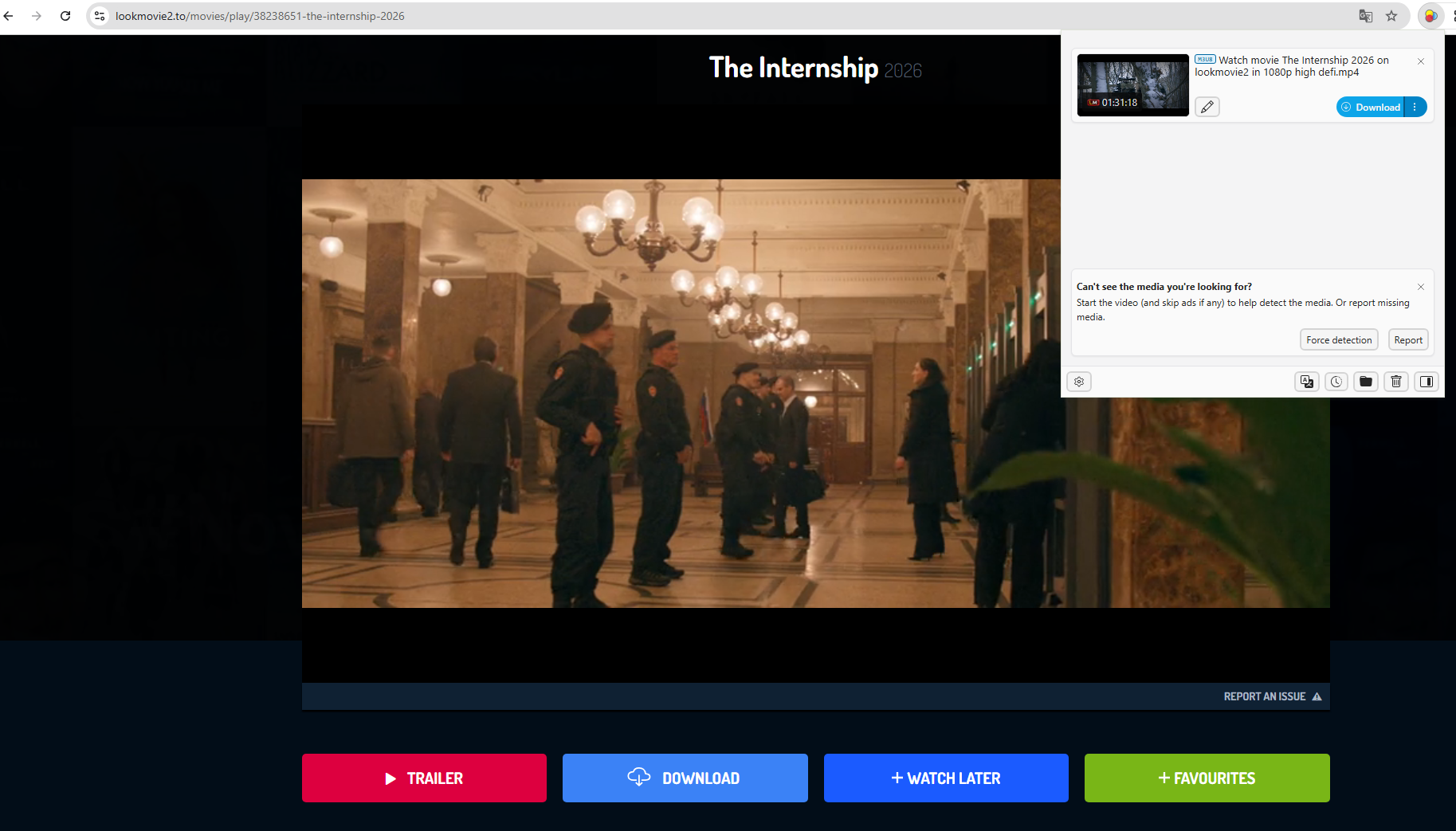
Browser extensions are another practical method to download LookMovie videos. They detect streaming media and provide download options directly in your browser. Video DownloadHelper is a popular choice for Chrome, Firefox, and Edge.
Steps to Download LookMovie Using Video DownloadHelper:
- Visit the browser’s official extension store and install Video DownloadHelper.
- Navigate to the movie or show you want to save, click the Video DownloadHelper icon in your browser toolbar and it will detect the streaming video.
- Click “Download,” and the video will be saved from LookMovie to your computer.
Pros: Convenient, works directly in-browser, supports multiple video streams.
Cons: One video at a time, some websites block extensions, may include ads or pop-ups.
4. Advanced Bulk Download LookMovie with Meget
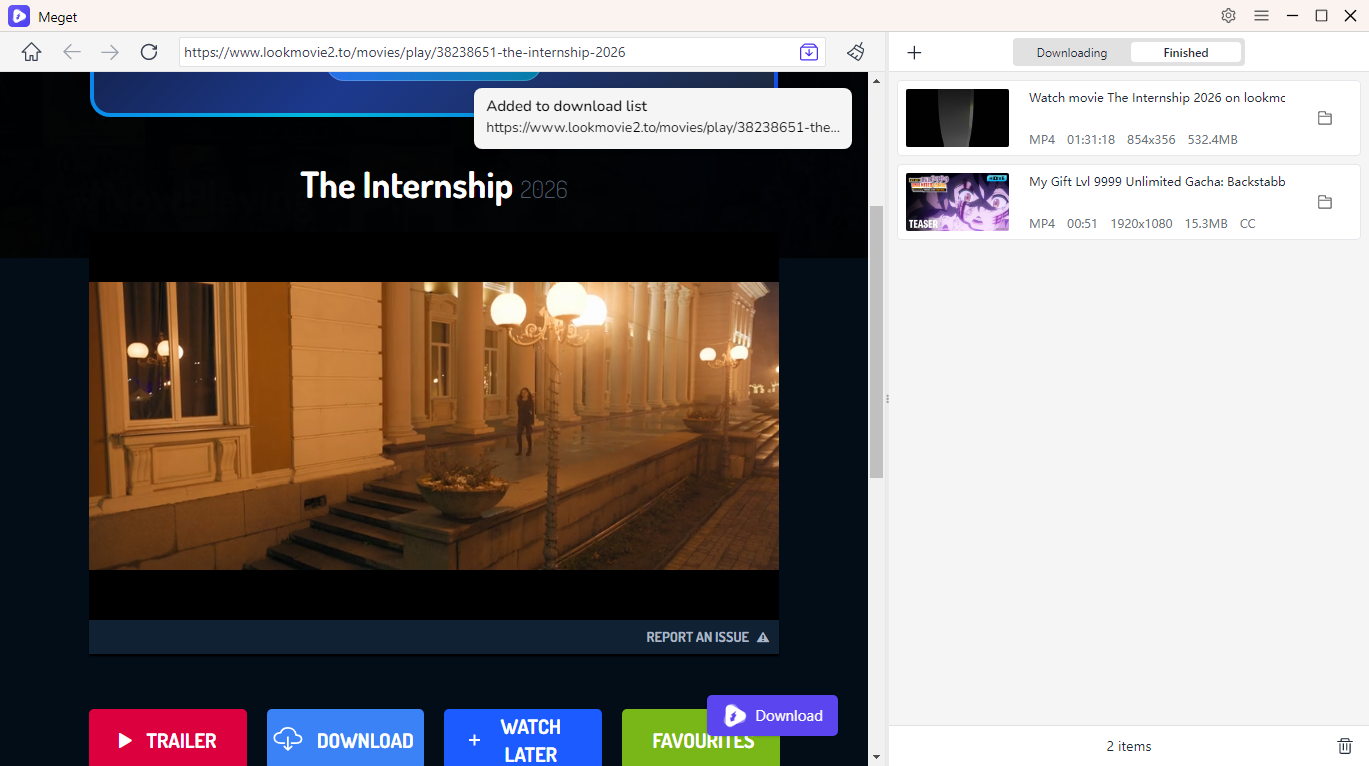
For users who want efficient bulk downloads or need to download multiple movies or entire series, Meget is the best solution. Meget is a professional downloading tool designed for streaming websites, supporting batch downloads, high-quality output, and file management features.
Main Features of Meget:
- Optimized for large files and multiple simultaneous downloads.
- Download videos in 720p, 1080p, or higher resolutions.
- Save files in MP4, MKV, or other popular formats.
- Built-in browser to access desired media.
- Easily pause and resume downloads.
- Work on Windows and Mac systems.
Steps to Bulk Download LookMovie with Meget:
- Visit the official Meget website and install it on your system.
- Open Meget to select the desired video quality (720p, 1080p, 4K) and output format (MP4, MKV, etc.).
- Visit the LookMovie site (e.g. lookmovie2.to) inside Meget, then locate the and play the movie you want to download.
- Click the download button to add the movie to the software download list, then Meget will process all videos simultaneously.
Pros: Fast, efficient, supports multiple downloads, high-quality output.
Cons: Paid features for some advanced options.
5. Conclusion
Downloading content from LookMovie can be done in multiple ways depending on your needs. For casual users, screen recorders or online downloaders are quick and simple solutions. Browser extensions provide convenience for single videos without leaving your browser.
However, for frequent users and binge-watchers, Meget is the most efficient and professional tool. It supports bulk downloads, high-quality output, and file organization, making it ideal for building a personal media library or archiving content. Meget saves time, ensures better quality, and handles multiple downloads with ease—features that other methods cannot match.
In conclusion, while there are several ways to download LookMovie videos, Meget is the recommended choice for anyone who wants speed, convenience, and high-quality results in one reliable package.