Best TikTok Video Downloader Extensions for Chrome in 2026

TikTok is one of the most popular platforms for discovering short-form videos, including entertaining clips, dance trends, tutorials, product reviews, and creative content. While TikTok provides a built-in download option for some videos, not every creator enables downloads. Additionally, videos saved directly from TikTok may contain watermarks, which may not suit users who want to keep clean copies for personal viewing or offline reference.
Fortunately, TikTok video downloader Chrome extensions offer a convenient way to save videos while browsing. In this article, we’ll introduce some of the best TikTok video downloader extensions for Chrome in 2026, discuss their advantages and disadvantages and introduce a more comprehensive alternative for downloading and managing online videos.
1. Best TikTok Video Downloader Extensions for Chrome
Chrome extensions make it easier to download TikTok videos without complicated steps. Depending on the tool, you may be able to save individual videos, download multiple clips, or choose different video qualities. Here are some options worth considering.
1. myfaveTT
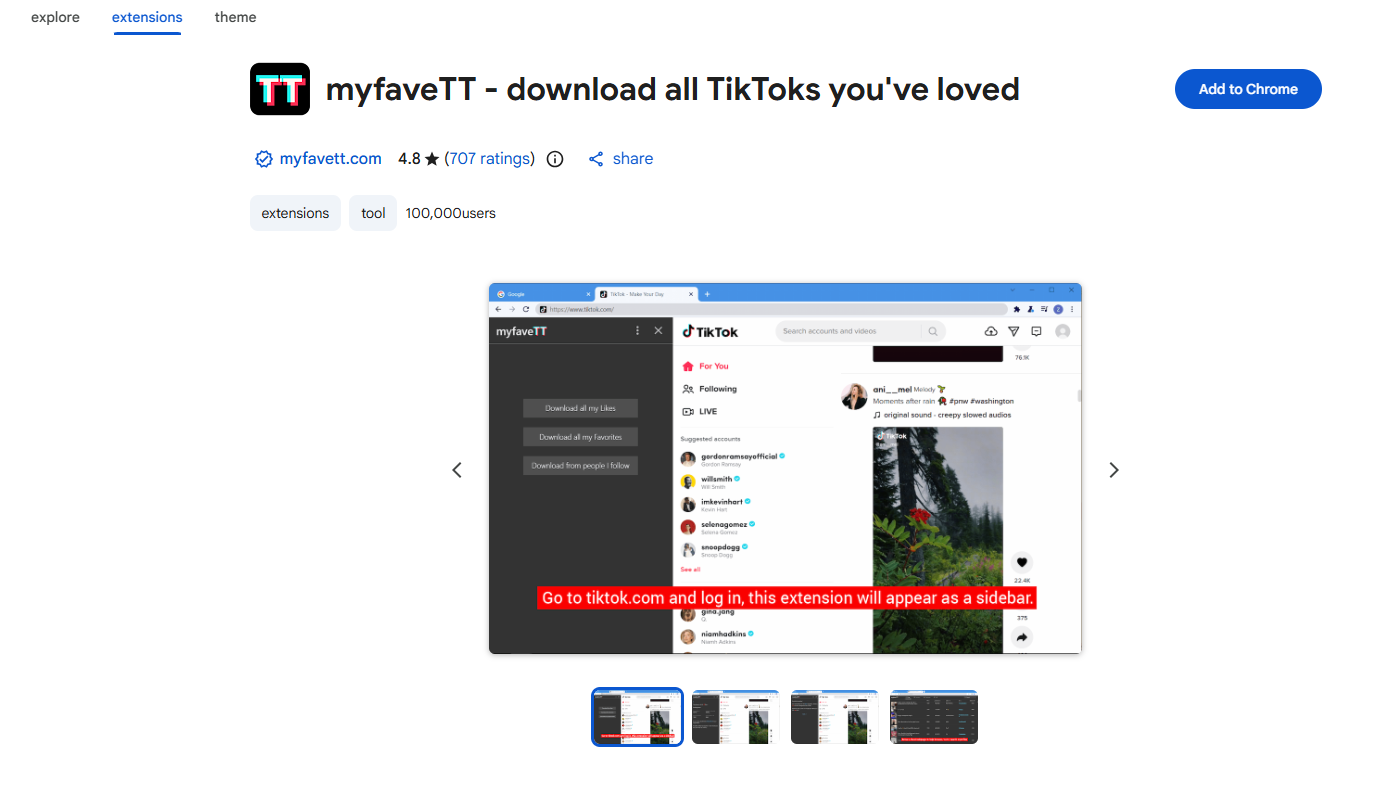
myfaveTT is a TikTok downloader extension designed for users who want to save videos they have liked, added to favorites, or discovered from creators they follow. Instead of downloading videos one at a time, it allows users to export collections of TikTok videos directly to a local folder on their computers.
The extension works when users visit TikTok on a desktop browser. It can also keep selected download folders synchronized with TikTok, making it useful for maintaining a local collection of favorite content.
Main features:
- Download all liked TikTok videos.
- Export videos saved to favorites.
- Download videos from creators you follow.
- Save videos as MP4 files.
- Choose a local folder for downloaded content.
1.2 Easy TikTok Video Downloader (Remove Watermark)
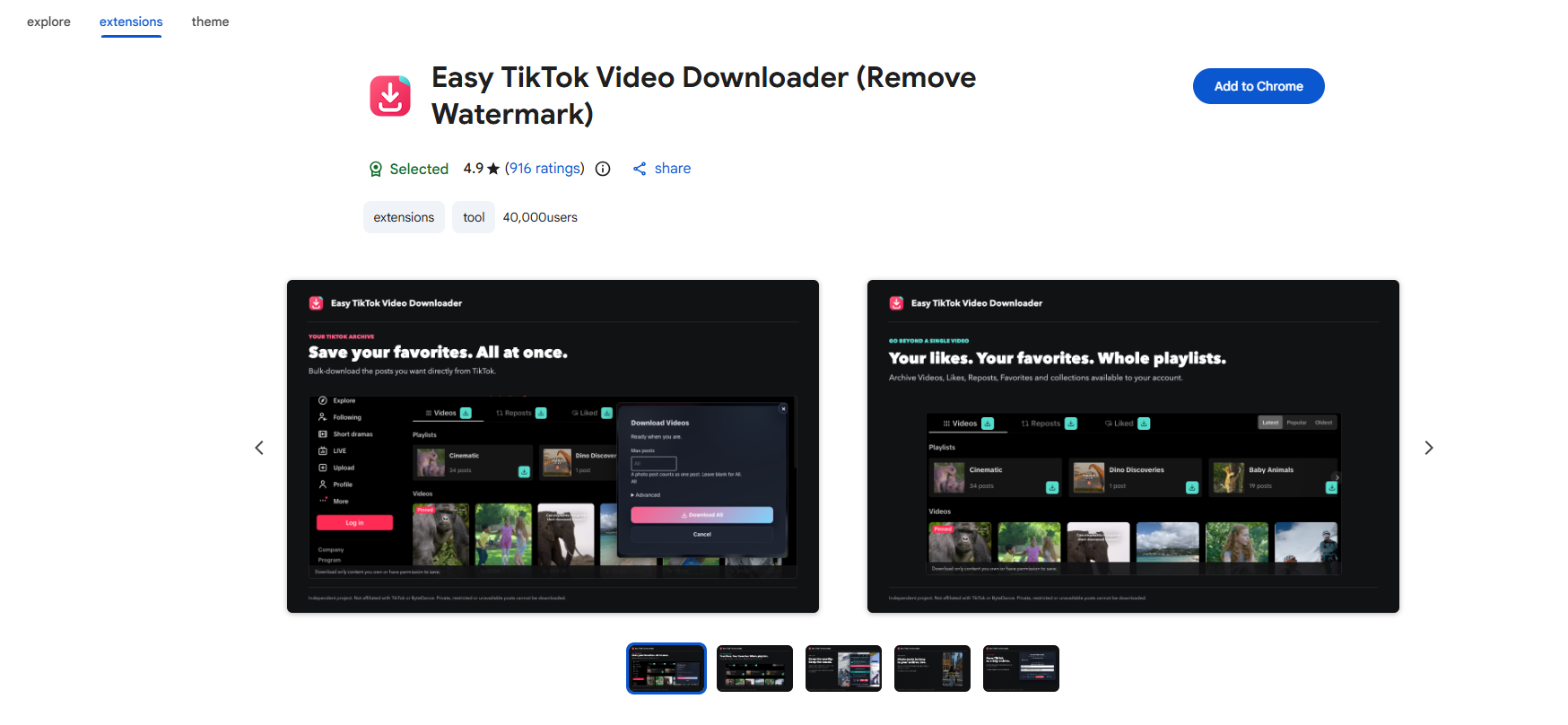
Easy TikTok Video Downloader is a TikTok-focused Chrome extension that helps users save individual videos and download multiple clips from different sections of the platform. It supports downloads from profiles, playlists, likes, favorites, feeds, and search results.
One of its main attractions is its ability to find the best available video quality and offer alternative sources if a particular download fails. It also provides quality labels to help users identify available options.
Main features:
- Download individual TikTok videos or multiple clips.
- Save videos in the best available quality.
- Support downloads from profiles, playlists, and feeds.
- Offer alternative download sources when available.
- Display video quality information.
1.3 Short Video Downloader
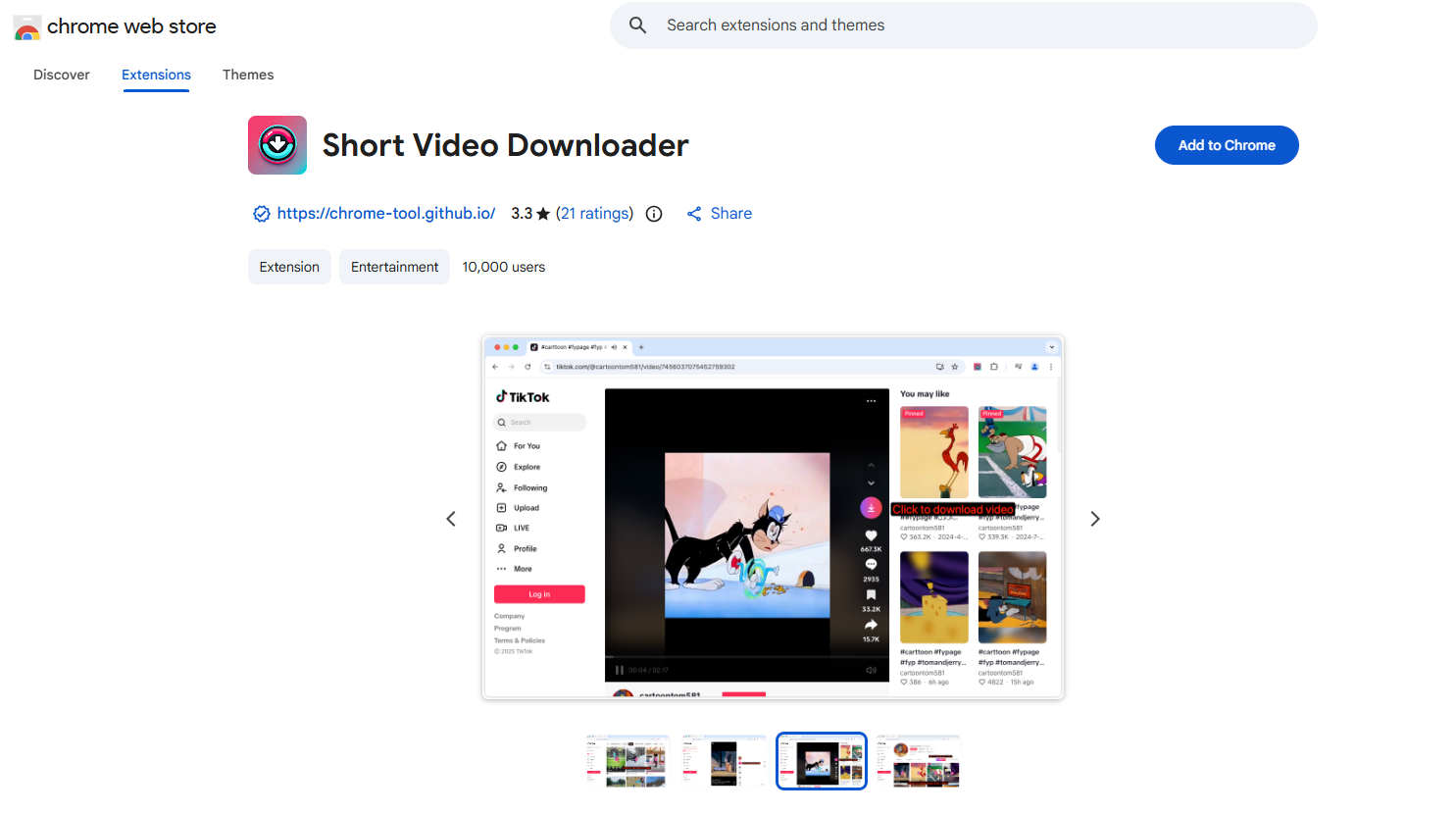
Short Video Downloader is another option to consider when looking for a browser-based solution for saving short-form videos. Tools in this category generally focus on detecting supported video content on a webpage and providing a download option without requiring users to install a full desktop application.
Potential advantages include:
- Convenient browser-based access.
- Quick detection of supported video content.
- No separate desktop downloader required.
- A simple workflow for occasional downloads.
1.4 SnapTik – TT Downloader No Watermark
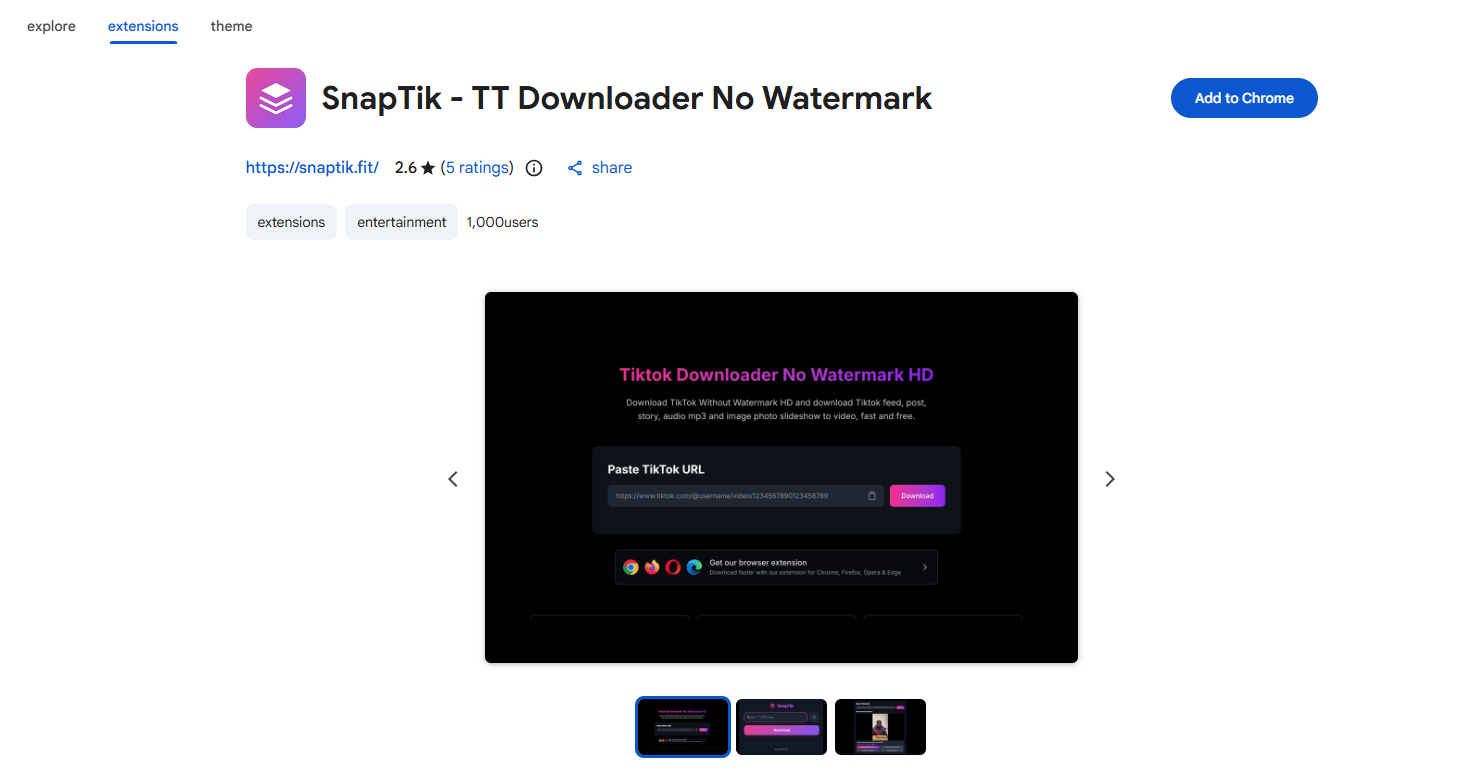
SnapTik is a TikTok-focused Chrome extension that supports downloading several types of content, including videos, photos, audio, stories, and slideshows. It provides a simple interface where users can paste a TikTok link or use its automatic link detection feature to start downloading.
Another useful feature is its format flexibility. Users can choose between available video options, extract audio as MP3, or save slideshow images individually or as a package.
Main features:
- Download TikTok videos without watermarks when supported.
- Save videos in the best available quality.
- Extract background audio as MP3.
- Download TikTok photos and slideshows.
- Save supported TikTok stories.
- Automatically detect copied video links.
1.5 More TikTok and General Video Downloader Extensions
Besides the four options above, several other Chrome extensions offer video detection and downloading features. Although not all are designed specifically for TikTok, they can be still useful for saving TikTok videos in Chrome.
- VeeVee
- Video Downloader Plus
- MPMux
- CocoCut
- SnapWC
- Video DownloadHelper
2. Pros and Cons of TikTok Video Downloader Extensions
Pros:
- Easy to install and use directly in Chrome.
- Download videos with just a few clicks.
- No additional desktop software required.
- Some extensions support batch downloads.
- Certain tools can save photos, slideshows, and audio.
Cons:
- Limited compatibility when TikTok updates its platform.
- Some extensions offer limited video quality options.
- May not support all TikTok videos.
- Potential privacy risks due to browser permissions.
- Limited batch downloading and file management features.
3. Try the Ultimate Video Download Manager – Meget
If Chrome extensions cannot meet all your downloading needs, Meget is an excellent desktop alternative. It is a video download manager designed to download online videos and playlists from more than 10,000 websites, including supported social media and video platforms.
Key features of Meget:
- Download videos and playlists from over 10,000 websites, including TikTok.
- Save videos in resolutions up to 8K when available.
- Convert videos to MP4/MKV/MOV and extract audio as MP3.
- Choose video quality, output formats, subtitles, and destination folders.
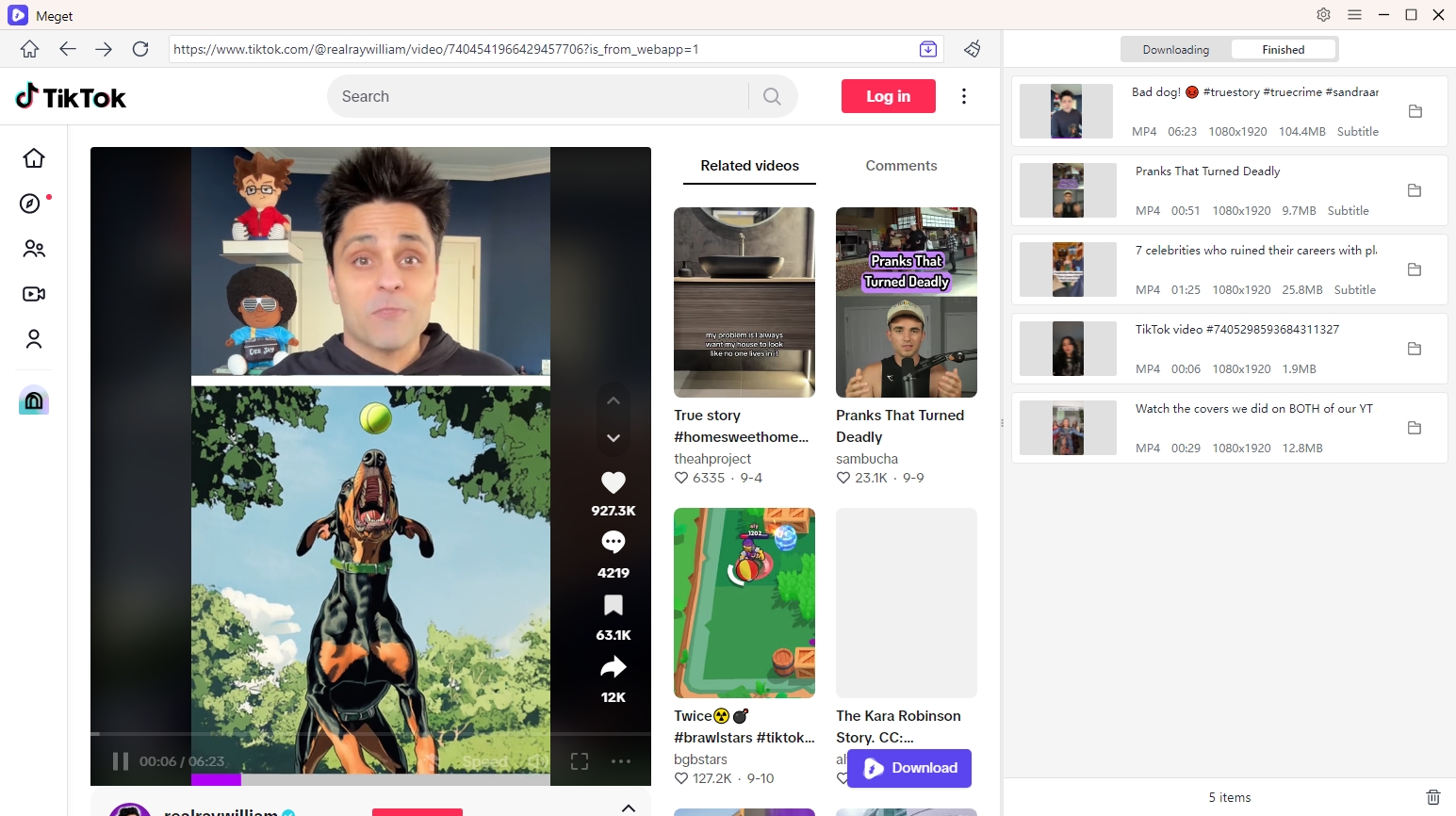
- Built-in browser to visit media directly within the software.
Steps to Download TikTok Videos with Meget:
- Download the appropriate version of Meget, and install it on your Windows or Mac computer.
- Open Meget, select your preferred video format and quality from the available options on the main interface.
- Navigate to TikTok inside Meget, locate and play a video, then click the download button; Repeat the process for downloading more TikTok videos.
- You can also copy the URLs of the TikTok videos you want to download, then return Meget and paste them into the software to start bulk downloads.
- Once the downloads are complete, open the Finished section to find and manage your saved TikTok videos.
4. Conclusion
TikTok downloader Chrome extensions make it easy to save videos directly from your browser, but they may lack advanced downloading and management features. For a more flexible solution, Meget is highly recommended. With support for 10,000+ websites, batch downloads, high-quality videos, and multiple output formats, it makes downloading and managing TikTok videos much easier.
- Aparat Downloaders: Best Tools to Download Aparat Videos in 2026
- How to Download BitChute Videos: 4 Easy Methods That Work
- Is SavePanda Worth It? A Detailed Review for 2026
- yt-dlp Download Audio Only Worst Audio? Fix It With These Solutions
- Do DRM Video Downloader Extensions Really Work? Try These Alternative Tools
- How to Fix 4K Video Downloader Error Code 152-18?
- Aparat Downloaders: Best Tools to Download Aparat Videos in 2026
- How to Download BitChute Videos: 4 Easy Methods That Work
- Is SavePanda Worth It? A Detailed Review for 2026
- yt-dlp Download Audio Only Worst Audio? Fix It With These Solutions
- Do DRM Video Downloader Extensions Really Work? Try These Alternative Tools
- How to Fix 4K Video Downloader Error Code 152-18?