Best Video Downloader CocoCut Alternatives That You Should Try

CocoCut is a popular browser extension for detecting and downloading online videos. It is convenient because you can use it directly from your browser without installing a separate desktop application. However, CocoCut may not work with every website or video format. Some websites use streaming technologies that make videos difficult for browser extensions to detect.
In this article, we’ll introduce some popular CocoCut alternatives and help you find the right tool for your video downloading needs.
1. Why Look for CocoCut Alternatives?
CocoCut is useful when you want to quickly detect media from a webpage, but it isn’t perfect for every downloading situation. Website compatibility is one of the biggest factors. Videos delivered through HLS, M3U8, segmented streams, or other streaming technologies may not always be detected correctly.
Another reason to look for alternatives is functionality. If you regularly download videos, you may want features such as batch downloading, playlist support, higher-resolution downloads, format selection, download management, or conversion.
With that in mind, let’s look at some CocoCut alternatives you can try.
2. Best Video Downloader CocoCut Alternatives That You Should Try
2.1 Meget – Best Recommended CocoCut Alternative
Meget is a powerful desktop video downloader and converter, offering a more flexible alternative to browser-based tools like CocoCut. It is designed for users who want a straightforward way to download online videos without relying entirely on browser-based media detection.
Instead of installing an extension and looking for detected media on a webpage, you can generally copy the URL of supported content, paste it into Meget, and select the available download options.
Main Features of Meget>
- Support batch downloading from 10,000+ sites
- Download videos and audio in high quality (up to 8K)
- Convert to popular formats like MP4 and MP3.
- Download from a list of URLs
- Built-in browser to visit embeded and private videos
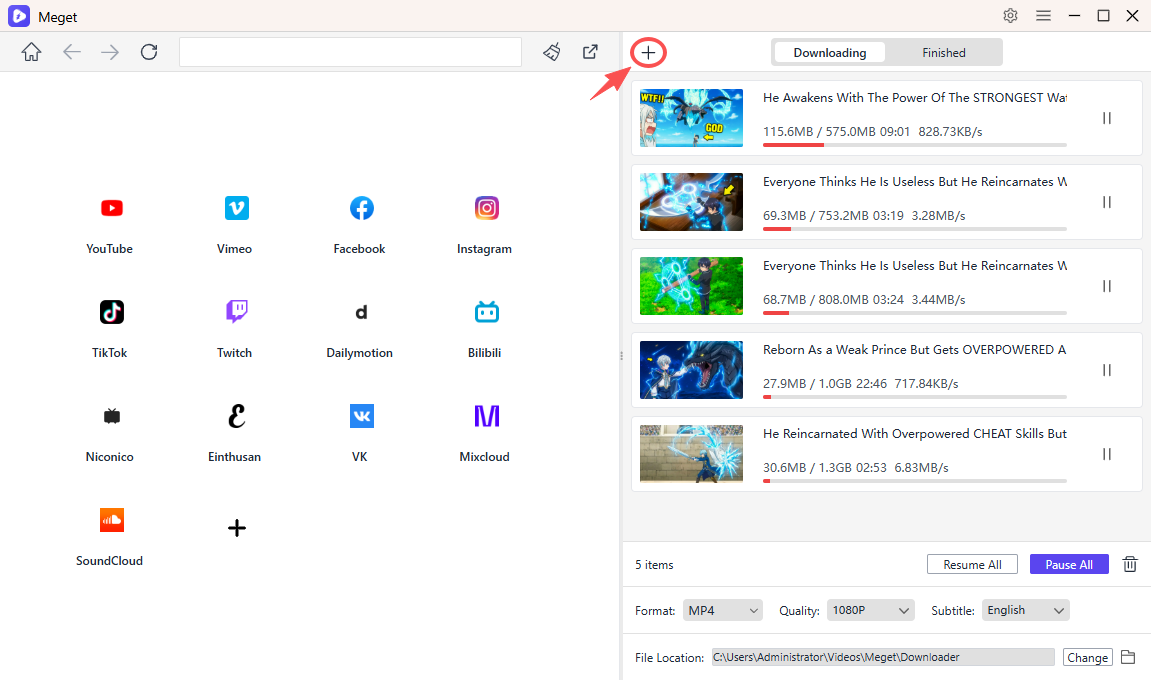
Meget can be especially useful if you frequently download online videos or want a more complete alternative to a browser extension.
2.2 4K Video Downloader
4K Video Downloader is another popular desktop-based alternative to CocoCut. It provides a dedicated interface for downloading online videos instead of relying on a browser extension.
Its basic workflow is straightforward. Copy a supported video URL, paste it into the application, choose the desired quality and format, and start downloading.
It can also be useful when you want to download multiple videos or work with playlists supported by the service.
Main Features:
- High-quality video downloads
- Batch downloading
- Playlist support on compatible services
- Multiple output formats
- Desktop-based download management

2.3 JDownloader
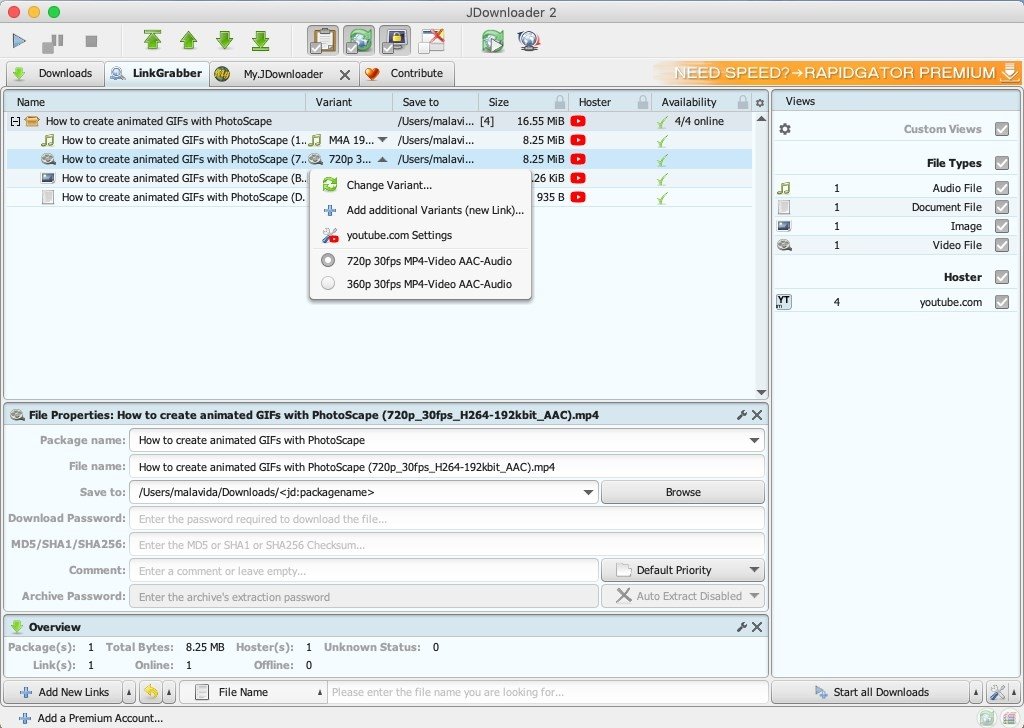
JDownloader is an open-source download manager that can handle more than just online videos. It is designed to help users manage downloads from various websites and is particularly useful when working with multiple links or files.
Unlike CocoCut, JDownloader focuses heavily on download management. You can create download queues, process multiple links, and organize your downloads from one application.
Main Features:
- Free and open source
- Batch downloading
- Download queues
- Link processing
- Extensive configuration options
- Support for multiple operating systems
2.4 Browser Video Downloader Extensions
If you like CocoCut because it works directly inside your browser, another browser extension may be the most familiar alternative.
Popular Browser Extensions:
- Video DownloadHelper
- FetchV
- Video Downloader Professional
- Stream Recorder
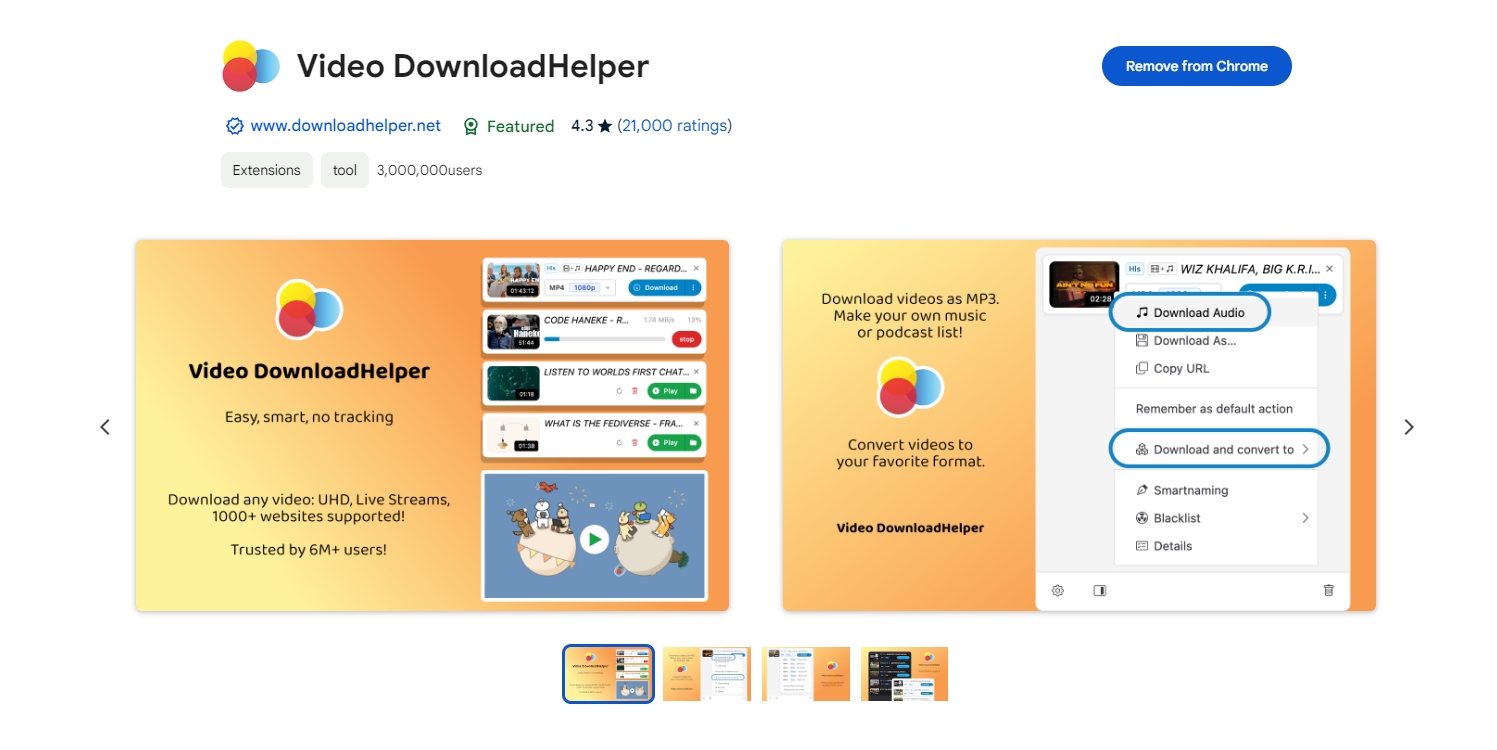
Browser extensions are convenient because you can use them while browsing. However, their effectiveness depends heavily on how a website delivers its video content. Some websites may also restrict downloads or use technologies that extensions cannot process.
2.5 Online Video Downloaders
If you only download videos occasionally, an online video downloader can be a convenient alternative. These services generally work through a webpage, so there is no need to install a desktop application or browser extension.
The typical process is simple: copy the URL of supported content, paste it into the downloader, select an available option, and process the video.
Popular Online Video Downloaders:
- Y2Mate
- SaveFrom.net
- 9xbuddy
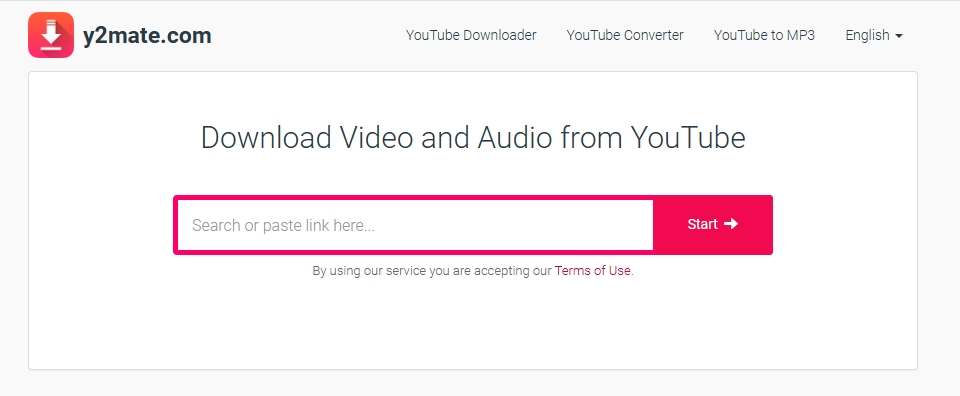
The main advantage of online tools is convenience. However, they can have limitations involving supported websites, video quality, advertisements, download limits, and privacy. Their availability can also change over time.
2.6 yt-dlp
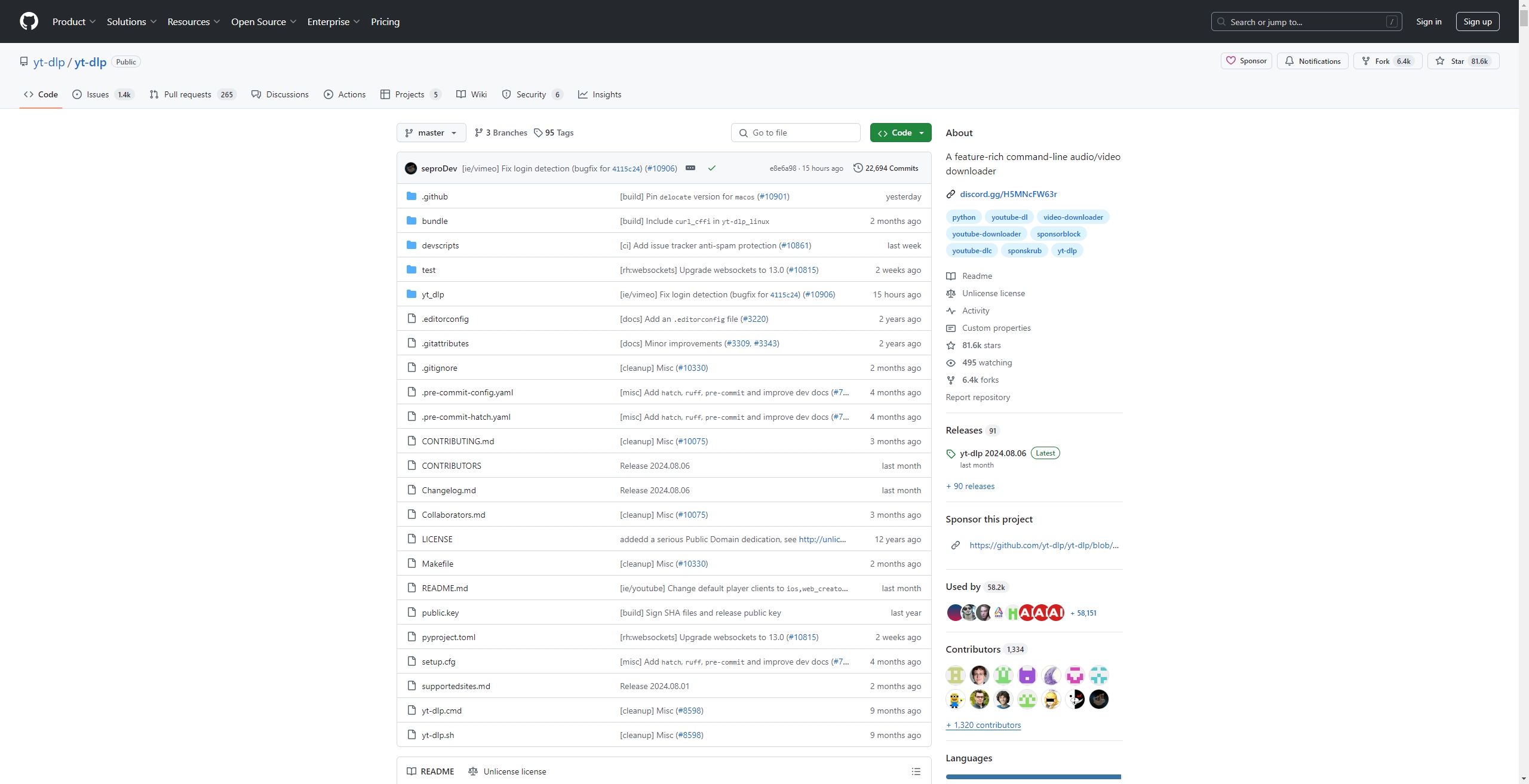
For advanced users, yt-dlp is a powerful alternative to CocoCut. It is an open-source command-line program that supports downloading media from many supported websites.
Unlike CocoCut, yt-dlp does not use a traditional browser-extension interface. Instead, you run commands through Terminal, Command Prompt, or another command-line environment.
This approach gives experienced users extensive control over video quality, formats, file names, playlists, and other download settings.
Why Try yt-dlp:
- Open source
- Highly configurable
- Supports many websites
- Useful for batch downloading
- Suitable for advanced workflows
The main drawback is its command-line interface. Beginners may find a graphical application such as Meget easier to use.
2.7 Internet Download Manager
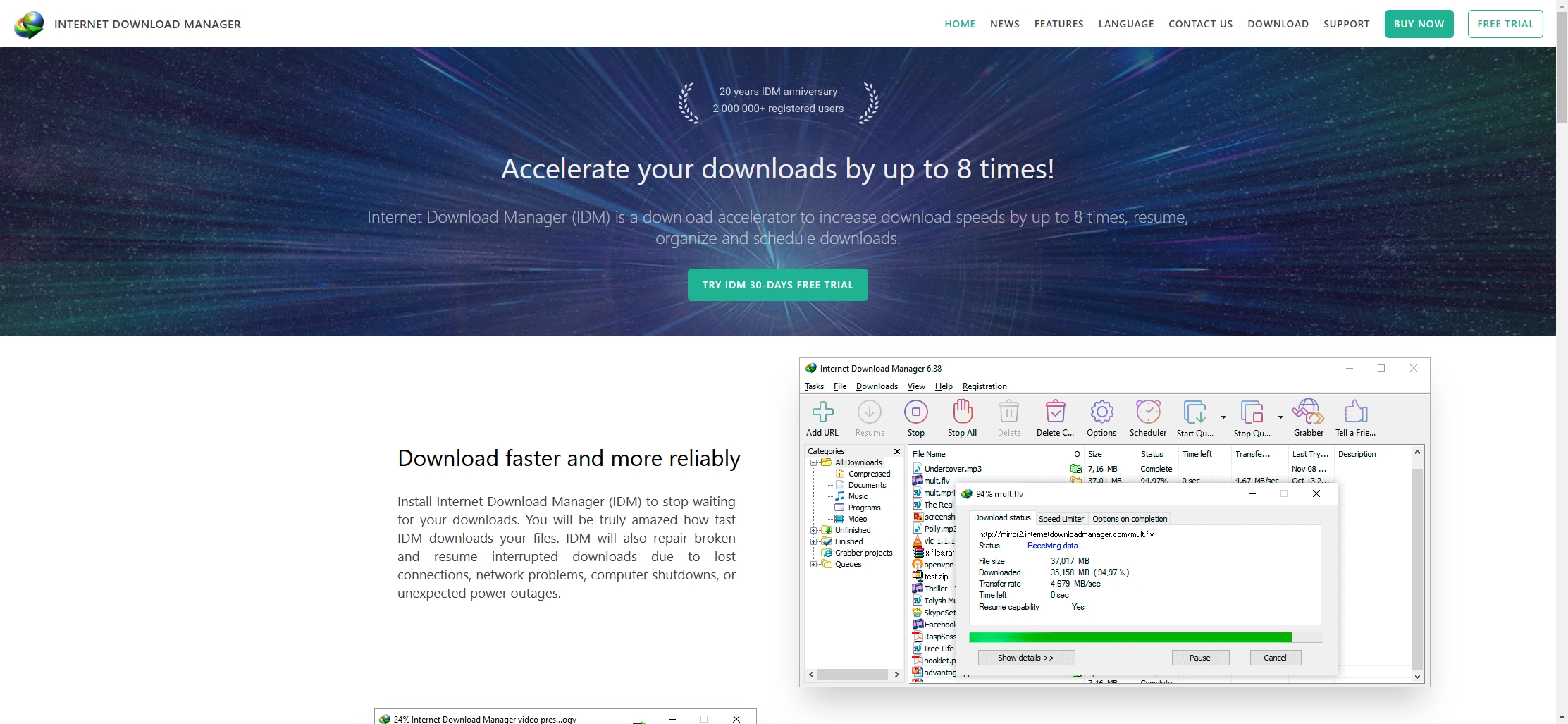
Internet Download Manager (IDM) is a widely used Windows download manager that offers convenient tools for handling videos, files, and other downloads. Although it isn’t specifically designed only for videos, it can work with supported browsers and help manage different types of downloads.
IDM includes features such as download scheduling, queues, resume support, and download organization.
It can therefore be useful for users who download videos as well as other files such as documents, archives, and images.
Main Features:
- Browser integration
- Download scheduling
- Download queues
- Resume support
- Download management
3. Conclusion
CocoCut is a convenient browser extension, but it may not meet every video downloading need. Fortunately, there are plenty of alternatives, from browser extensions and online downloaders to powerful desktop tools. If you want a simple way to download videos in high quality and handle multiple downloads, Meget is a great option to try. Its straightforward interface and versatile downloading features make it a practical CocoCut alternative for everyday use.