Video Downloader Professional Doesn’t Allow M3U8? Try This Alternative

If you’ve ever tried to download a video using Video Downloader Professional and found that it simply doesn’t recognize or allow M3U8 links, you’re not alone. This is one of the most common frustrations users face when dealing with modern streaming websites. While the extension works well for standard MP4 files, it often fails completely when encountering HLS streams — leaving users confused about what went wrong.
The truth is, nothing is “broken.” The issue lies in how M3U8 video streaming works and the limitations of traditional browser-based downloaders. In this guide, we’ll explain why Video Downloader Professional doesn’t support M3U8 streams and introduce a much more capable alternative.
1. Why Video Downloader Professional Doesn’t Allow M3U8?
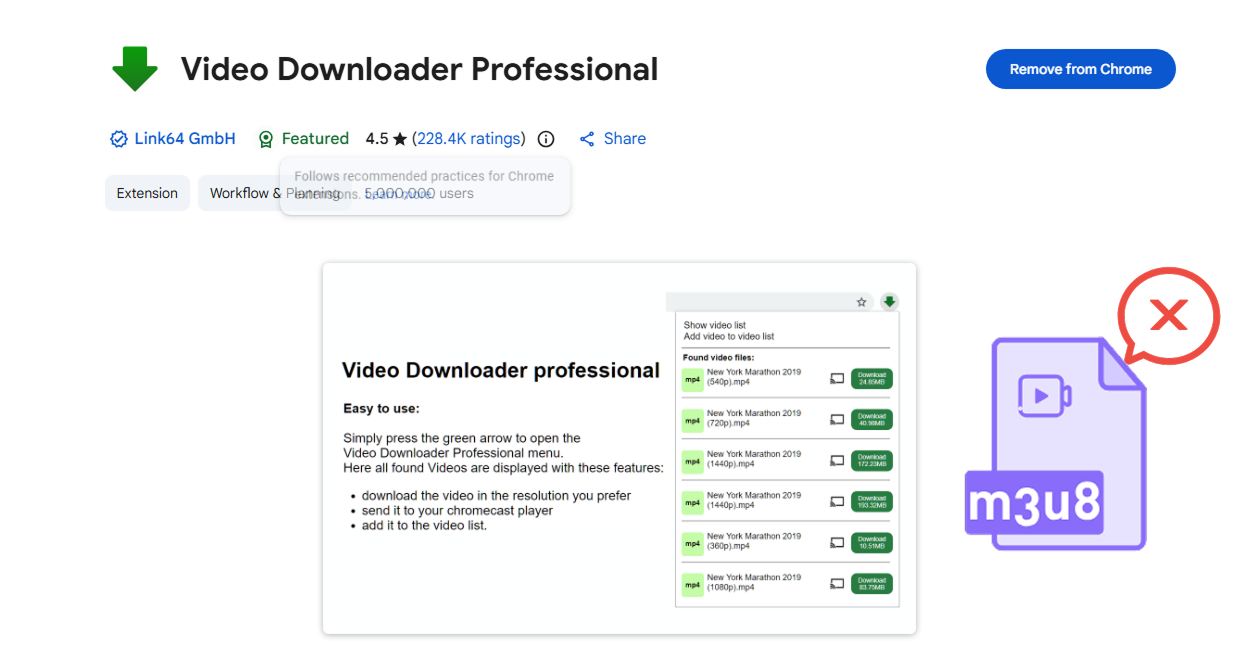
To understand the limitation, you need to know what M3U8 actually is.
1.1 M3U8 Is Not a Single Video File
Unlike MP4 or AVI files, an M3U8 link doesn’t point to a complete video. Instead, it’s a playlist file used in HTTP Live Streaming (HLS). This playlist contains references to hundreds or even thousands of small video segments (usually .ts files).
When you play a video online, your browser:
- Downloads these tiny segments one by one
- Buffers them in real time
- Stitches them together seamlessly for playback
However, Video Downloader Professional is designed to:
- Detect direct media files
- Download them in one piece
1.2 No Segment Merging Capability
Even if the extension detects an M3U8 link, it lacks the ability to:
- Download hundreds of
.tschunks - Combine them correctly
- Convert them into a playable MP4 file
This merging process is technically complex and requires:
- Handling timestamps
- Managing segment order
- Ensuring audio/video sync
Basic browser extensions avoid this complexity altogether.
1.3 Missing Advanced Request Handling
Many M3U8 streams require:
- Authentication cookies
- Custom headers
- Temporary tokens
Video Downloader Professional does not handle these well. As a result:
- The download may fail
- The stream may not even appear in the extension
It simply isn’t built to:
- Parse M3U8 playlists
- Fetch multiple segments
- Merge them into a single video
1.4 Incompatibility with Encrypted Streams
A large number of modern streams use AES encryption or DRM protection. Even if you can access the M3U8 file, the segments themselves may be encrypted.
Video Downloader Professional:
- Does not support decryption
- Cannot process protected streams
This is why it often “does nothing” on streaming sites.
1.5 Designed for Simplicity, Not Advanced Streaming
Ultimately, Video Downloader Professional is optimized for:
- Ease of use
- One-click downloads
- Basic video formats
But M3U8 requires:
- Multi-step processing
- Technical handling of streaming protocols
This gap is exactly why you need a more advanced tool.
2. Try the Best Alternative to Video Downloader Professional – Meget
If you frequently encounter M3U8 videos, switching tools is the most practical solution. One of the best alternatives available is Meget, a downloader built specifically to handle modern streaming formats.
Meget is an advanced video downloader & converter designed to:
- All-in-one video & audio downloader (supports 10,000+ sites)
- Full M3U8 / HLS stream support (auto detect + merge)
- Batch downloading (playlists, multiple videos)
- High-quality downloads (HD, 4K, up to 8K)
- Built-in video & audio converter (MP4, MP3, etc.)
- Supports login-protected & embedded videos
- Cross-platform (Windows, macOS, Android)
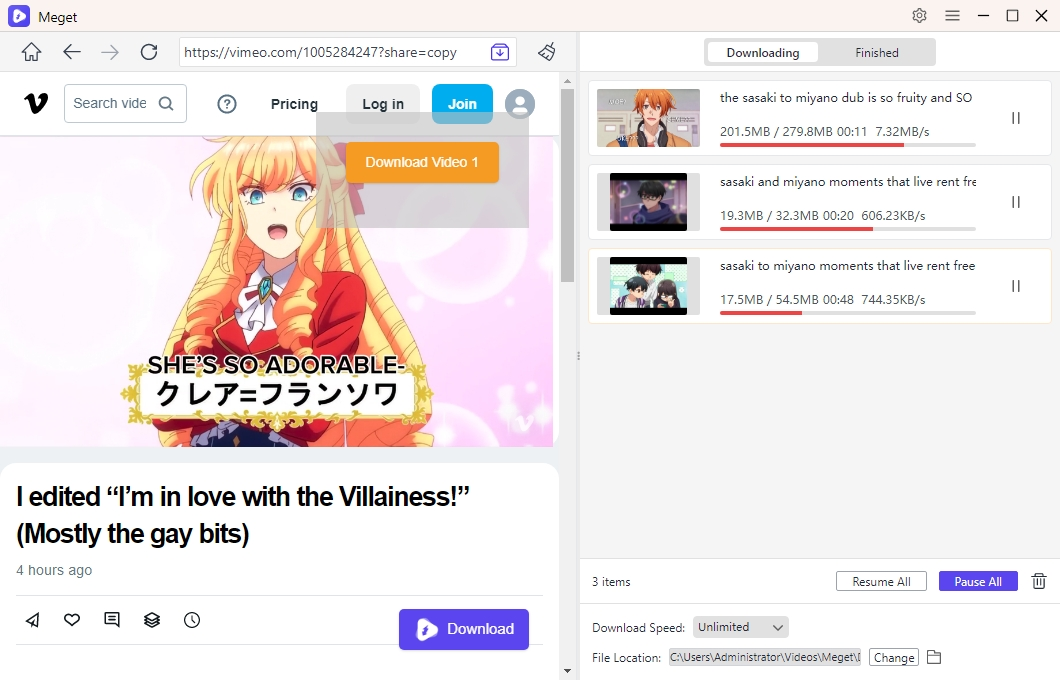
How to use Meget to download M3U8 videos:
- Download, install and open Meget on your Windows or Mac, then choose your preferred video quality (e.g., 720p, 1080p, or higher) and output format such as MP4.
- Go to the website where the video is hosted inside Meget, log in is needed.
- Click the download button, Meget will automatically detect the M3U8 stream and add it to the download queue.
- Once finished, go to the Finished section to watch or manage your saved video.
3. Conclusion
If Video Downloader Professional doesn’t allow M3U8 downloads, it’s not a malfunction—it’s a limitation by design. M3U8 streams rely on segmented video delivery, which requires advanced processing that simple browser extensions are not equipped to handle.
To reliably download these types of videos, you need a tool built specifically for modern streaming technology. Meget stands out as one of the best alternatives, offering full M3U8 support, automatic merging, high-speed downloads, and an intuitive user experience.
Instead of struggling with unsupported formats, switching to Meget ensures a smooth and efficient downloading process. If M3U8 videos are part of your workflow, Meget isn’t just an alternative – it’s the right tool for the job.
- How to Download from Movies2Watch?
- GenYouTube Overview: A Complete Guide to Its Features and Usage
- Tuberipper Review: Is It Worth Using?
- How to Fix 4K Video Downloader Can't Find Valid Format?
- How to Fix 4K Downloader Only Doing 10 Seconds?
- The Ultimate List of the Best XDownloaders to Download X Videos
- How to Use SaveFree to Download Instagram Videos and Photos?